

Connecting to PostgreSQL
For an overview of connectors, please refer to the following link:- Dashboard
- Local Version
1
Create a Connector
Select the “Connectors” tab on the top page and click the “Create” button.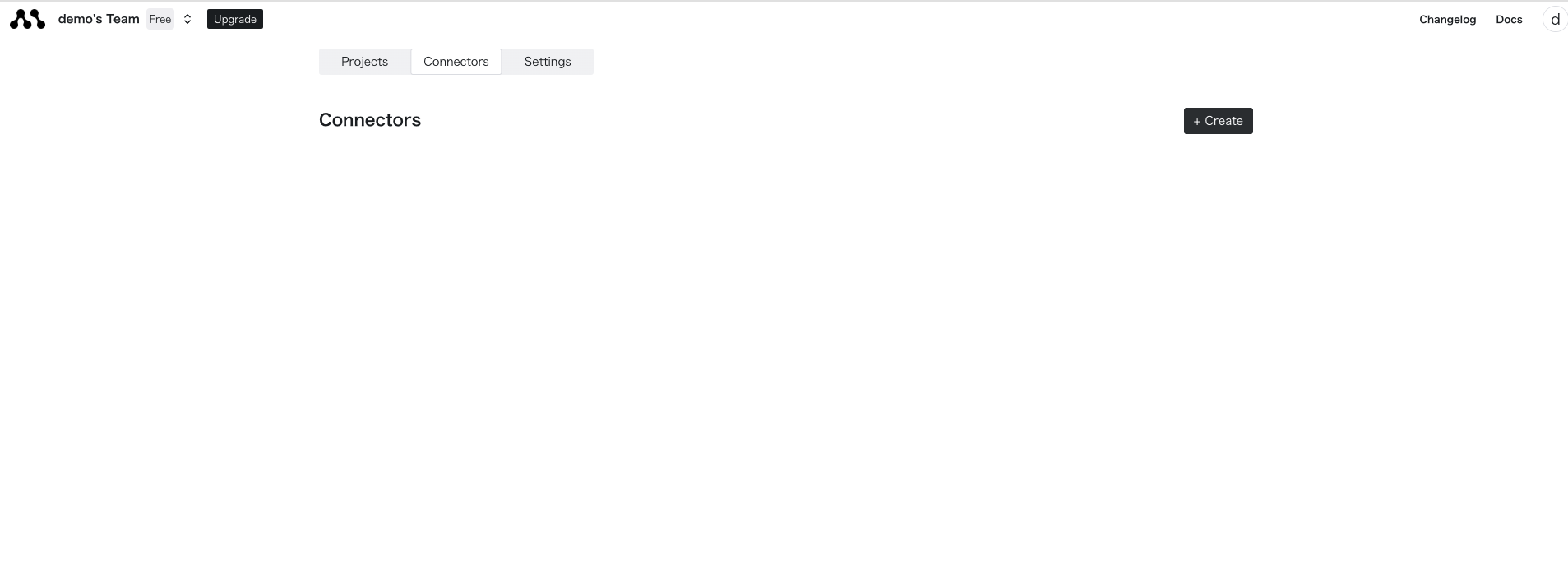
2
Enter PostgreSQL Credentials
Enter the credentials for the database you want to connect to in the displayed form.
If you are connecting via a remote server, check the “SSH” box and fill in the necessary fields.After entering the information, click the Create button to complete the creation. If there are any errors in the parameters, an error message will be displayed, so please check the connection details again.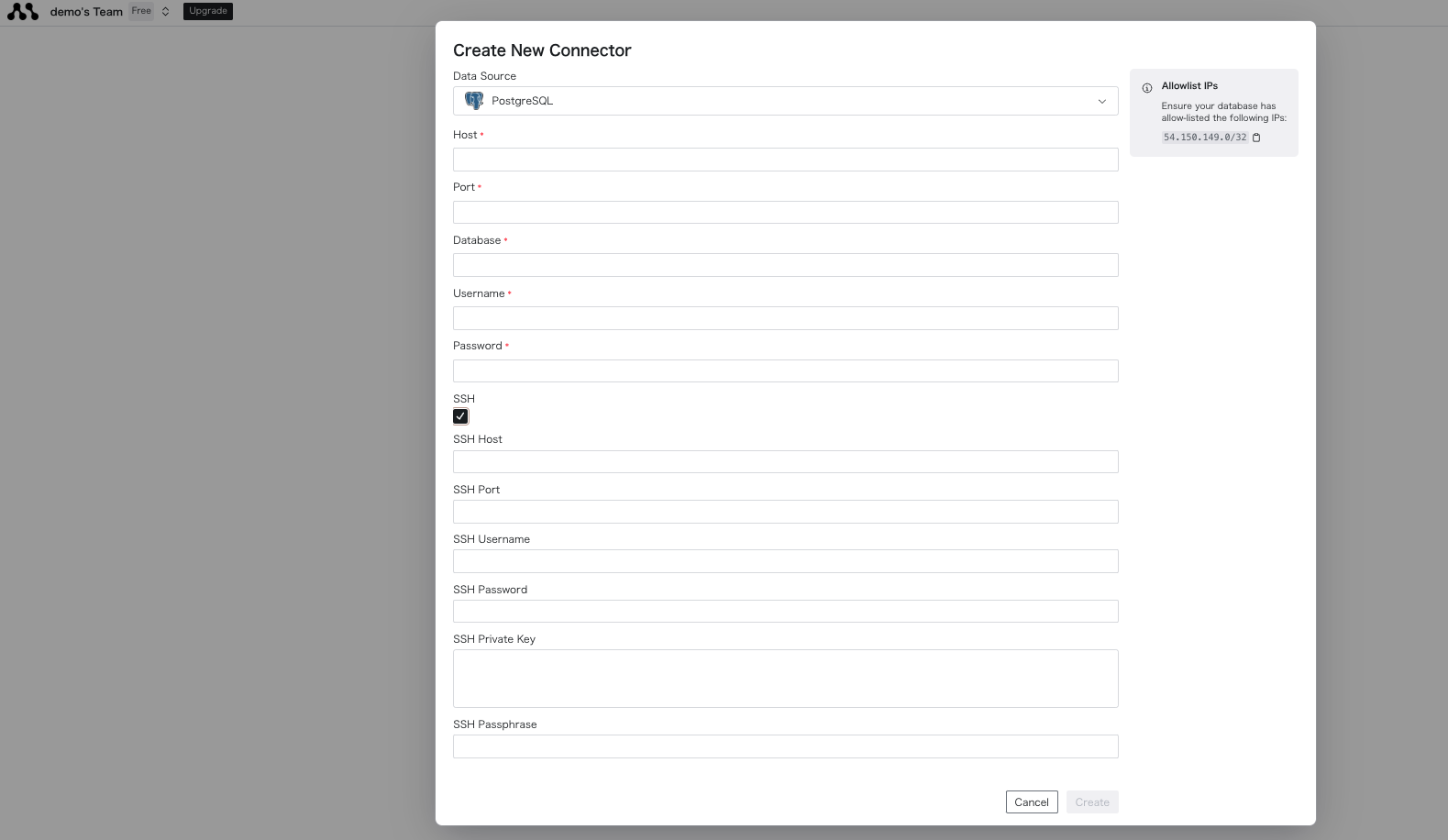
3
Connect to the Created Database
Once created successfully, you can get the connector name from the list display. The string next to the icon is 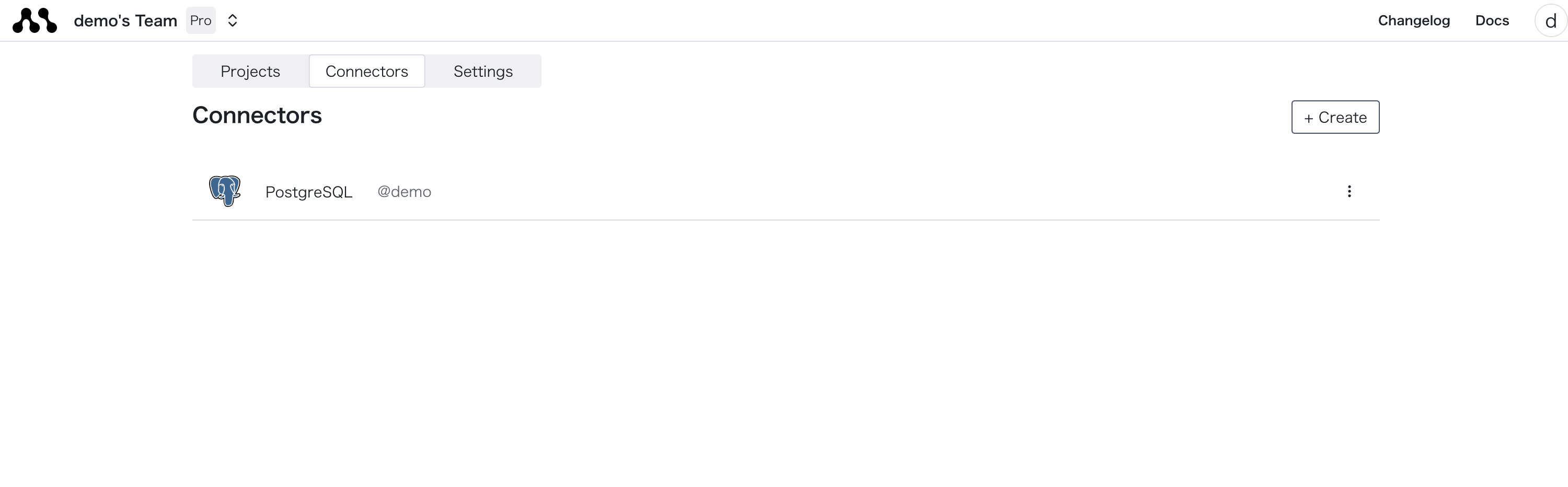
connection_name. You can use this to connect to the database in your code.